- Login to the DRC portal.
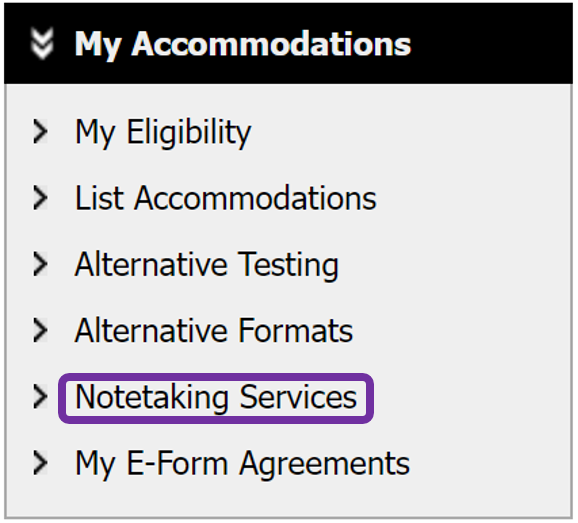
- Click Notetaking Services from the navigation links on the left.
- Click the Available Note(s) for Download button to choose the desired notes, then click the Download Note button.
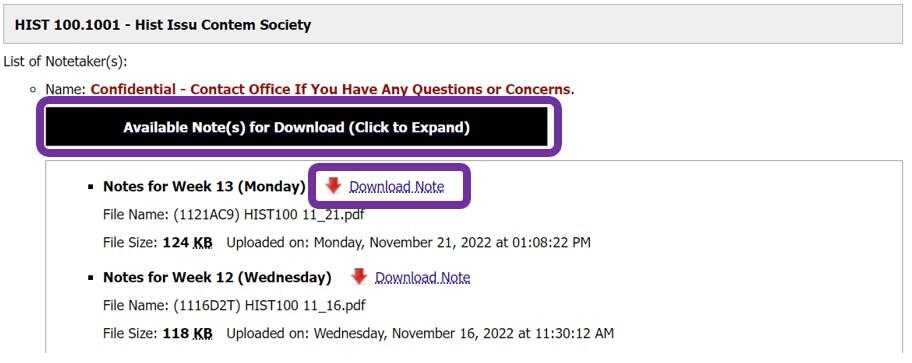
- Click the Available Note(s) for Download button to choose the desired notes, then click the Download Note button.